
How to redeem +1 Spinjitsu Escape codes
Bird icon at the top of the screen, exact case, once per account — desktop and mobile steps.
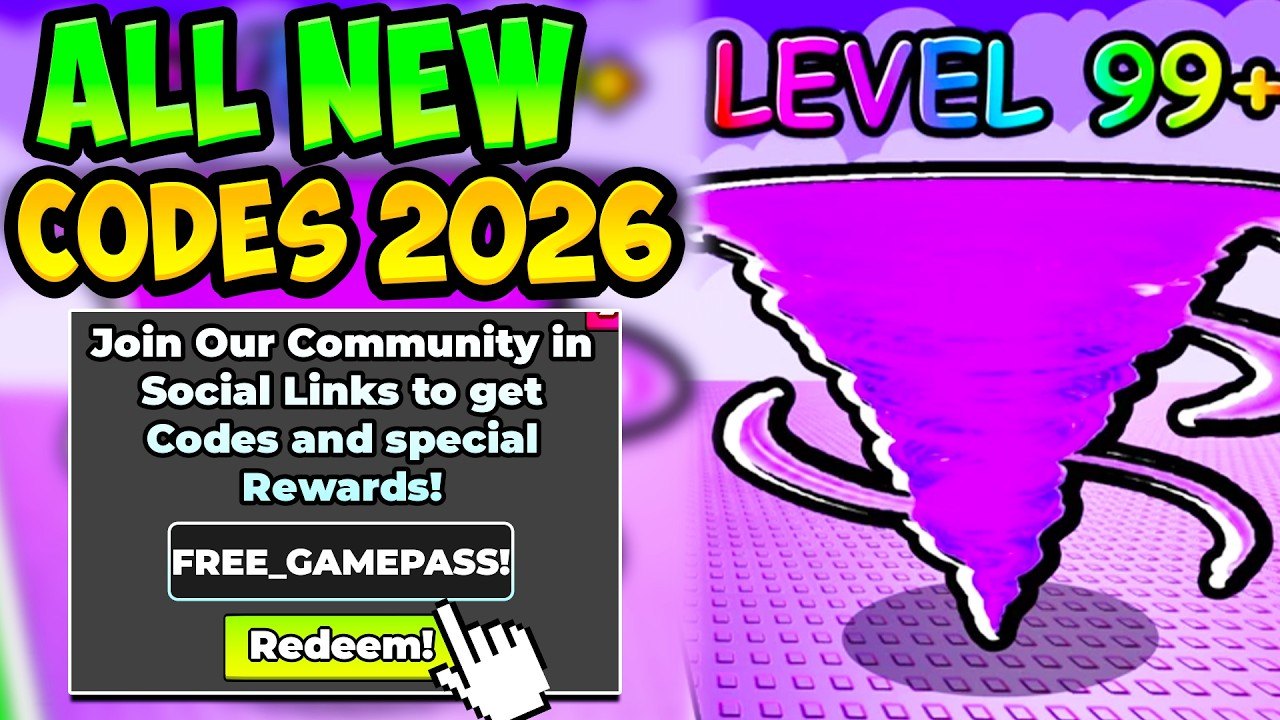
The redeem box in +1 Spinjitsu Escape is a small HUD panel, not the Roblox website code field. Speedsters Basement put it behind the Twitter / bird icon at the top of the screen. Miss that icon and you will think a live string is dead. This walkthrough covers desktop and mobile, the case-sensitive rules, potion stacking after a successful claim, and the four failure messages that waste the most time. The game has been live since 23 July 2026, so you are not waiting on a launch build — join a shared server (max 10 players), finish the short tutorial, and claim.
Progression is personal even when other tornadoes share the map. A code pays your account only. Redeem in public or a quiet server; the payout does not change.
Redeem on desktop
- Open Roblox on a computer and join +1 Spinjitsu Escape from the official experience page.
- Wait until the map and HUD finish loading. If this is a new account, complete the short tutorial so the top bar actually appears.
- Look at the top of the screen for the bird / Twitter icon. It sits with the other menu buttons, not in the Roblox escape menu.
- Click the bird icon to open the code field.
- Copy a live string from the codes hub — FUSE, WORLD4, UPDATE2, or POTION — and paste it. Do not retype from memory if you can avoid it.
- Confirm there is no leading space, trailing space, or lowercase letter.
- Press the redeem control. Jitsu, Wins, or potions should land immediately.
- Repeat for every remaining live code. Each string is once per account, so a second click on the same code is a failure, not a double payout.
- If POTION landed, do not sip the timers yet. Park the potions until you are about to smash a real stage chain.
Keyboard users can tab to the field after the panel opens. If click-to-focus fails, close the panel and open the bird icon again rather than typing into chat.
Redeem on mobile and tablet
- Open the Roblox app and join +1 Spinjitsu Escape. Portrait or landscape both work; landscape usually leaves more room for the top bar.
- Finish the tutorial if the smash prompt is still locking other buttons.
- Tap the bird icon at the top of the screen. On a small phone the icon can sit under a notch or a system clock — swipe the HUD or rotate once if you cannot see it.
- Tap the text field so the device keyboard appears.
- Paste from the clipboard. Phone autocorrect loves turning WORLD4 into a sentence. Paste beats typing.
- Check the case. Codes are case-sensitive. All four live strings are uppercase.
- Tap redeem and wait for the reward toast. Do not mash the button; one success is the whole payout.
- Close the panel before you spin so you do not eat a jump or smash input with the keyboard still up.
- Repeat for the other live codes, then like the experience and join Speedsters Basement when the timers are not yet running.
Console players use the same top-bar bird. If a stick focus lands on chat or emotes, nudge back to the icon before you type with an on-screen keyboard.
Why a code fails
Four problems cover almost every failed redeem.
Expired. RELEASE, VISITS, and XENOISTUFF are dead. August videos still overlay them. If the game rejects a string you saw on a thumbnail, check the expired codes list before you assume the bird icon is broken.
Typo. Extra spaces, a missing digit, or lowercase letters fail. WORLD4 with a space after the 4 is not WORLD4. FUSE typed as Fuse fails. Paste from the codes hub table.
Already redeemed. Each code is once per Roblox account. Alts are separate accounts. Rejoining a server does not reset the flag. If you redeemed UPDATE2 last night, it will never pay this account again.
Tutorial not finished. Brand-new accounts sometimes load into smash prompts before the top bar exists. Finish the short tutorial, wait for the bird icon, then open the panel. A slow join can also hide the HUD — leave and rejoin once if the icon never appears.
A fifth, rarer issue is a stale client after a patch. Rejoin the experience after a World 4 or fuse update so you are not talking to an old HUD. Codes do not require a rebirth and they do not care which world you are standing in.
What to do after a successful redeem
Spend Jitsu on walls. Spend Wins on eggs when the shop is ready, not on panic buys while a potion is already ticking. POTION’s 2x Jitsu and 2x Wins timers last about thirty minutes and they stack with other potions. Plan that window with a stage run, not a menu tour. If you like overlapping timers, use the same habit you would on a longer grind: smash, bank Wins, then hatch.
New players should jump to getting started after the four live codes are in, so the first Wins go into eggs instead of a wasted rebirth. For the next all-caps drop, watch the Discord page instead of old videos. When a string fails after a patch, it belongs on the expired list, not in your retry queue.
The redeem box is a tiny UI, but it is the fastest legal skip in +1 Spinjitsu Escape. Once you can find the bird icon on both desktop and a phone, you stop losing codes to expired videos and start converting every new string into smash power before the next wall in World 4 even loads.
Frequently Asked Questions
Quick answers for codes, Jitsu, fuse, and World 4.
Is the Roblox website code box the right place?
No. Redeem inside the experience with the bird icon at the top of the screen. The codes hub lists the live strings to paste there.
Can I redeem on mobile?
Yes. The bird icon is still at the top of the HUD. Paste from the clipboard so autocorrect does not smash WORLD4. Desktop and mobile steps are both on this page.
Do I have to finish the tutorial first?
On a new account, yes. The top bar can stay hidden until the smash tutorial ends. If the icon is missing, finish that prompt, then retry.
I already redeemed a code on another device. Can I use it again?
No. Once per Roblox account, not once per device or server. A second attempt is a failure. Confirm you are not retrying a dead string on the expired codes list.
Should I drink potions as soon as POTION redeems?
Not in the lobby. Potions last about 30 minutes and they stack. Start them when you are about to smash a real stage chain, after you have skimmed getting started if you are new.
Where should I look when a new patch drops?
Use the Discord page for fresh strings, then confirm they still work on the codes hub before you trust a video overlay.